Pipelines that run on their own
Chain SQL steps into a pipeline, schedule it and follow every run. Dataspheres orchestrates the execution with Dagster and records the lineage of each table it writes.
- Dagster
- Spark and Kyuubi
- OpenLineage
- Marquez
How pipelines work
SQL steps in order
Each step is a SQL statement. Reorder steps, run one on its own to test it, or do a dry run of the whole pipeline.
- Same SQL you write in the editor
- Test a single step before saving
- Dry run without writing to the tables
Scheduling
Set a cron schedule and Dagster runs the pipeline at the right time, even when no one is logged in.
- Cron expressions validated when you save
- Only one active run per pipeline
- Cancel a run that is in progress
Run history
Every run keeps its status, duration and the result of each step, so you can see where a failure happened.
- Pending, running, completed, failed or cancelled
- Step-by-step result of each run
- Filter runs by status
Lineage and sharing
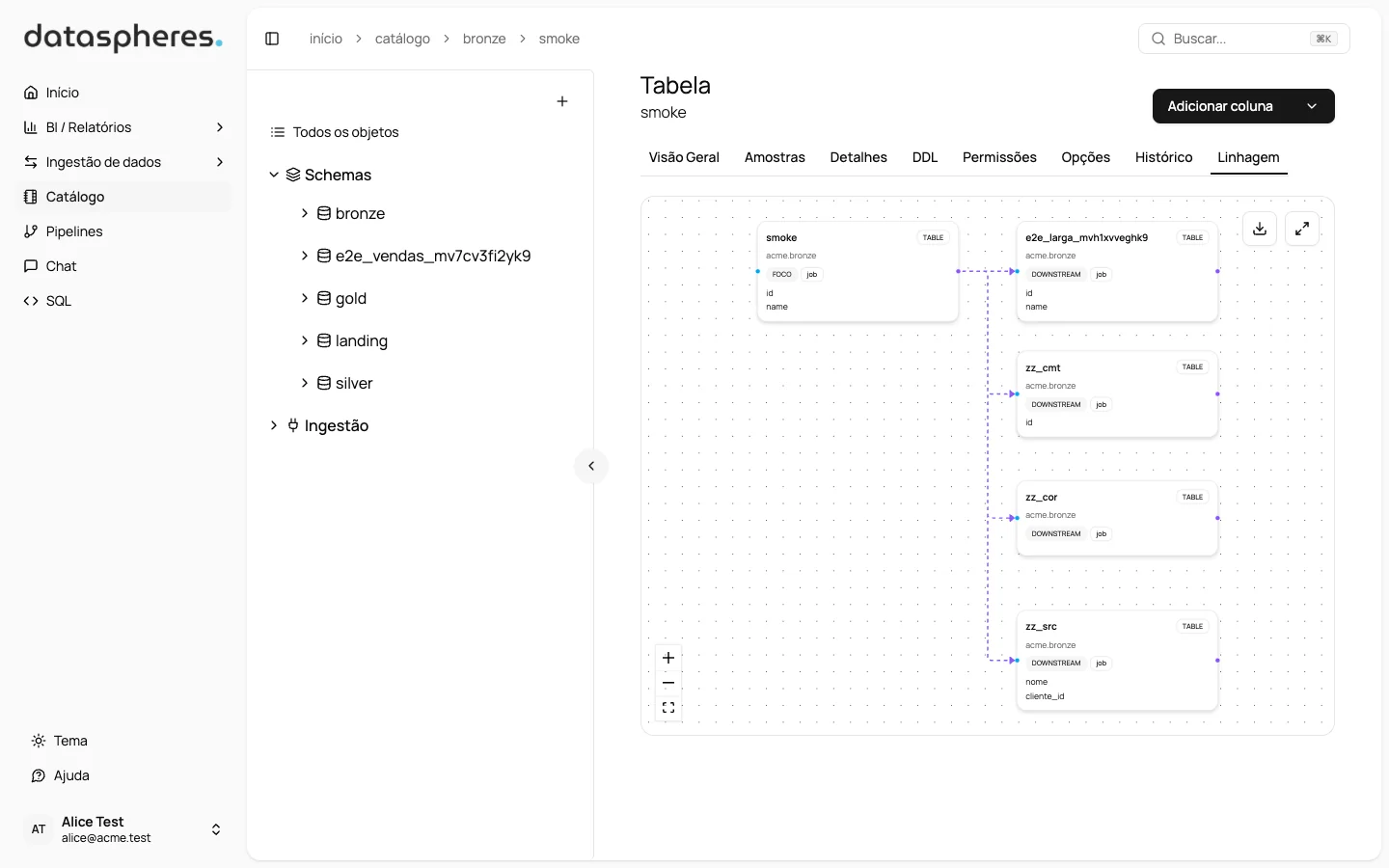
OpenLineage records which tables each pipeline reads and writes. Share a pipeline with other people and choose what they can do.
- Lineage tab on every pipeline
- Shared with people or profiles
- Tags to organize pipelines by subject
See Dataspheres with your own data
Book a demo and we will walk you through the whole path, from source to chat.